

Overview
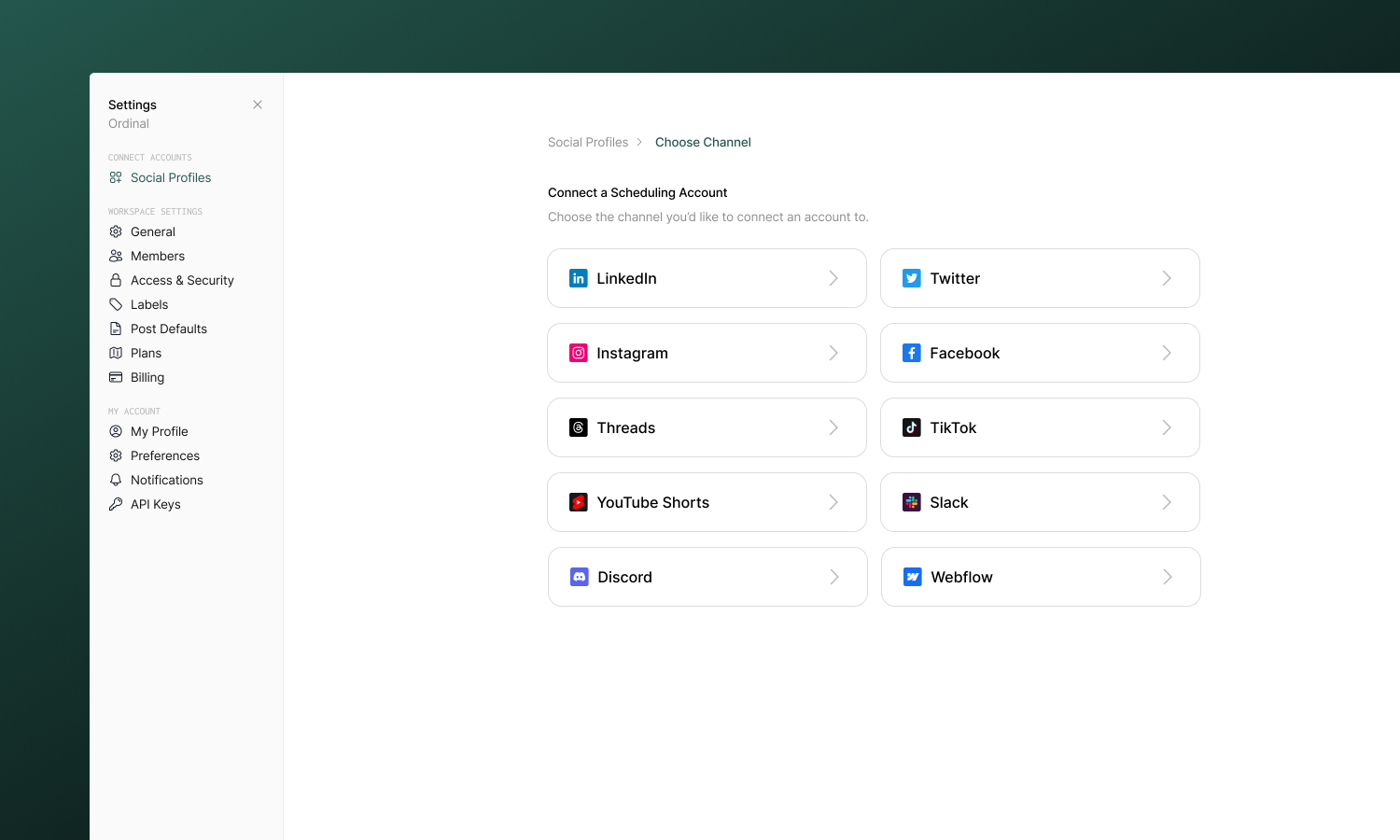
Connect LinkedIn, Twitter/X, Instagram, Threads, Facebook, TikTok, YouTube, Webflow, Slack, and Discord. Choose between scheduling and engagement-only profiles.
Social profiles are the accounts you connect to Ordinal - your LinkedIn, Twitter, Instagram, and other platforms. Once connected, you can schedule posts, track performance, and manage everything from one place.
Overview
You can connect as many accounts as your plan allows, including multiple accounts from the same platform. This is useful for managing different brands, clients, or separating personal and professional presence. Ordinal supports two types of connections:
Scheduling profiles let you publish content, use team engagements, and track analytics.
Engagement-Only profiles let you use these profiles for team engagements only - likes, comments, and reposts. Available for LinkedIn and Twitter/X.
Supported platforms
Personal profiles and company pages

Twitter / X
Tweets and threads
Feed posts, Reels, Stories, Carousels

Threads
Thread posts
Page posts and Reels

TikTok
Video content
YouTube Shorts
Short-form vertical video
Webflow
Blog posts to your CMS
Slack
Post to public Slack communities

Discord
Schedule community announcements
Connecting profiles
Connect accounts in Settings → Profiles. Most platforms use OAuth - you sign in once directly on the platform itself and Ordinal handles authentication from there.
Consider connecting profiles for:
- Platforms where you post regularly
- Accounts you want to cross-post to
- Channels where you want unified analytics
Platform capabilities
| Platform | Scheduling | Analytics | Team Engagements |
|---|---|---|---|
| ✅ | ✅ | ✅ | |
| Twitter/X | ✅ | ✅ | ✅ |
| ✅ | ✅ | Limited | |
| ✅ | ✅ | Limited | |
| Threads | ✅ | - | - |
| TikTok | ✅ | - | - |
| YouTube Shorts | ✅ | - | - |
| Discord | ✅ | - | - |
| Slack | ✅ | - | - |
| Webflow | ✅ | - | - |
FAQ
How many profiles can I connect?
This depends on your plan. Scheduling profiles and engagment-only profiles are also charged at different rates. See subscription plans for details.
Can I connect personal and business accounts from the same platform?
Yes. Each account appears as a separate profile. You can connect multiple LinkedIn profiles, multiple Twitter accounts, etc. Note that not all platforms (e.g. Facebook) support posting from personal accounts.
What happens if I disconnect a profile?
Scheduled posts to that profile won’t publish. The posts remain in Ordinal - you can reconnect and they’ll be ready to go.