

Post Defaults
Pre-select default accounts for each platform and set platform-specific defaults like Instagram location, Reel share-to-Feed, and YouTube notify subscribers.
Post defaults save time by pre-selecting your most common settings. When you create a new post, your preferred accounts and platform-specific options are already configured.
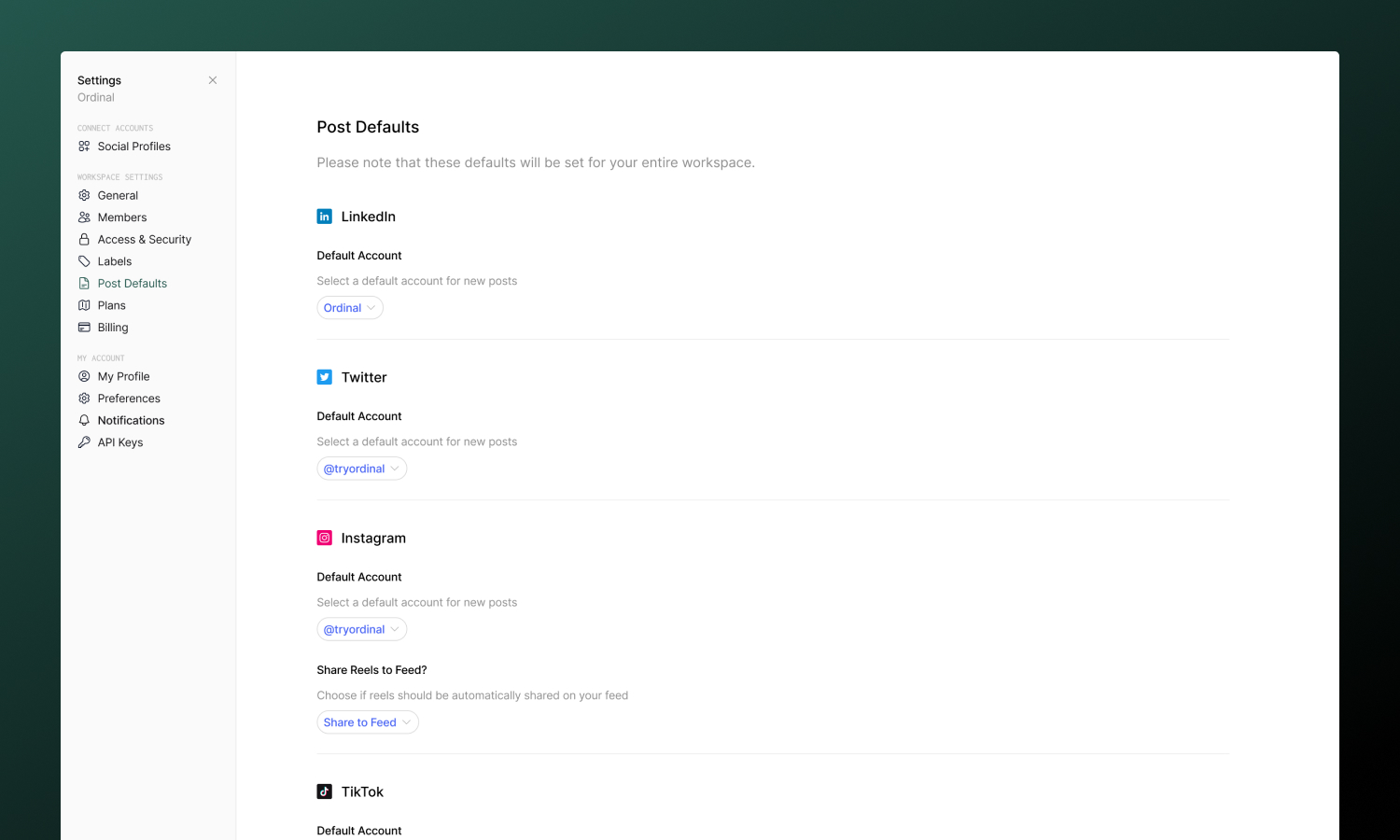
Setting up defaults
Go to Settings → Post Defaults to configure:
| Setting | Description |
|---|---|
| Default accounts | Which account to use for each platform |
| Instagram location | Pre-filled location tag |
| Instagram Reel settings | Share to Feed toggle |
| YouTube Shorts settings | Notify subscribers toggle |
| Webflow preview type | Live or Designer preview |
Changes save automatically - only connected accounts will appear as options.
When defaults apply
Defaults are used globally when creating new posts.
Defaults are not used when:
- Duplicating a post - Uses the original post’s settings
- Converting an idea - Uses settings from the idea
You can always override defaults in any individual post - changes only affect that post, not your saved defaults.
Workspace-level setting
Post defaults are configured at the workspace level. All team members share the same defaults, and anyone with settings access can modify them.