

Dub
Use a custom branded domain instead of ordnl.link for shortlinks created in Ordinal. Requires Pro plan or above.
Dub is a link management platform that lets you use custom branded domains for your shortlinks. Instead of ordnl.link/abc123, your links can use your own domain like yourcompany.link/abc123.
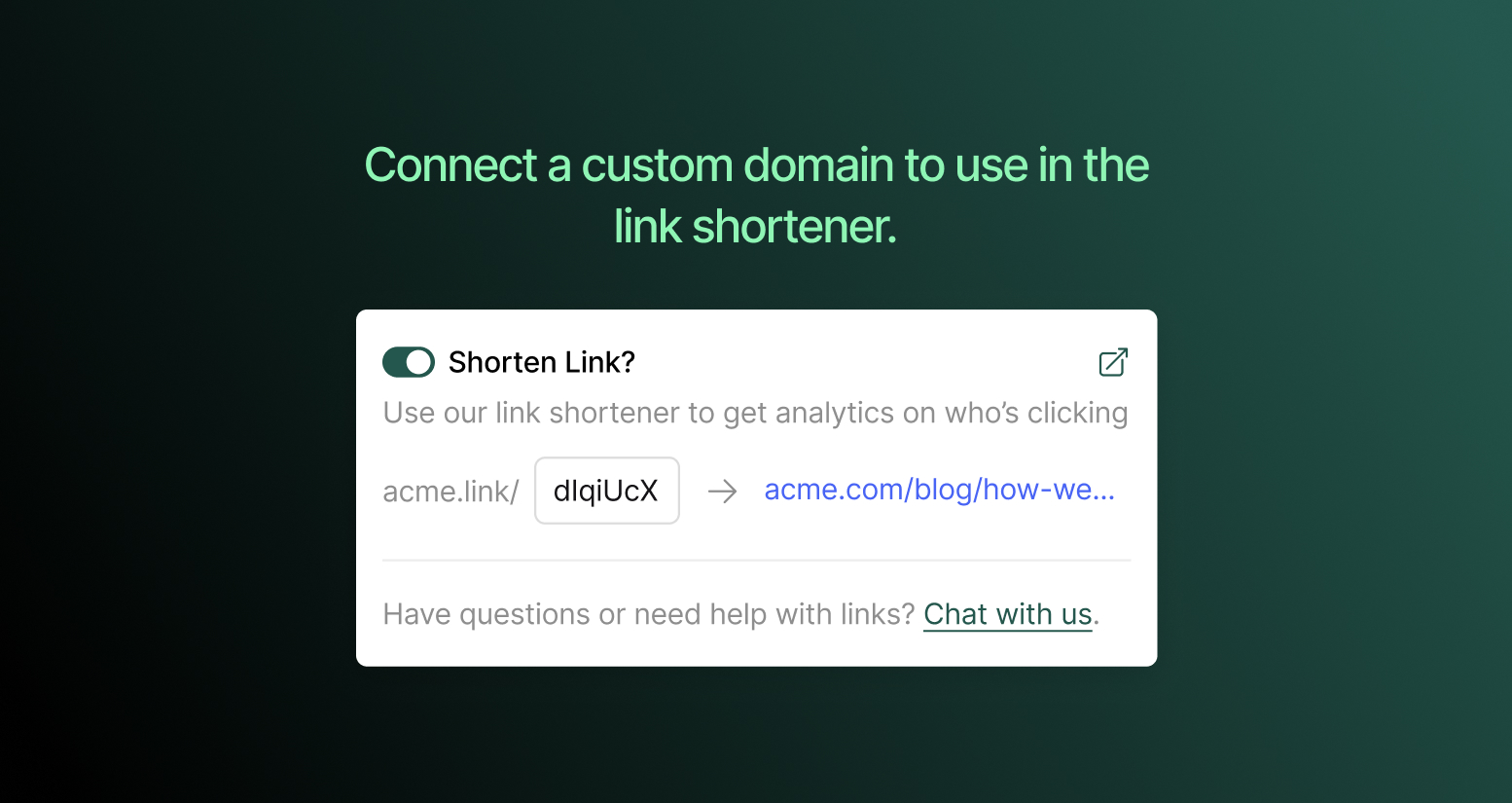
Connecting Dub
- Go to Integrations → Dub
- Click Connect
- You’ll be redirected to Dub to authorize the connection
- Select your Dub workspace and approve access
- You’re redirected back to Ordinal with the integration active
Ordinal automatically syncs your domains from Dub and uses your primary domain for new shortlinks.
After connecting
Once connected, any shortlinks you create in Ordinal will use your Dub domain instead of ordnl.link. Click analytics for these links are available in both Ordinal’s analytics and your Dub dashboard.
Shortlinks
Learn how to create and track shortlinks in your posts.
Changing domains
Ordinal uses whichever domain is set as “primary” in your Dub account. To switch domains:
- Update your primary domain in Dub
- In Ordinal, disconnect and reconnect the integration to sync the change
Existing shortlinks will continue using their original domain.
Disconnecting
To disconnect Dub, go to Integrations → Dub and click Disconnect.
- Existing shortlinks continue to work - they’re still hosted by Dub
- New shortlinks will use
ordnl.linkinstead of your custom domain - Analytics for your Dub links remain accessible in your Dub dashboard