

User Preferences
Update your Ordinal profile image, name, calendar start of week, and light/dark theme.
Personalize your Ordinal experience with your profile image, display name, and calendar preferences. These settings apply to your account across all workspaces you belong to.

Accessing your settings
Click Settings → Preferences in the left sidebar
You’ll see your personal account settings - separate from workspace-level settings like timezone or billing.
Profile image
To upload or change your image:
- Go to Settings → Preferences
- Click Choose File under Profile Image
- Select an image (JPG or PNG)
- Crop and position your image in the modal
- Click Save Profile Image
To remove your image:
Hover over your current profile image and click the X button that appears.
Name
Your name is displayed in comments, activity feeds, approval requests, and team member lists.
To update your name:
- Go to Settings → Preferences
- Edit the First Name and Last Name fields
- Click Save
Calendar start of week
Choose which day your calendar week starts on. This affects how the calendar grid is displayed.
To change your start of week:
- Go to Settings → Preferences
- Find Calendar Start of Week
- Select Sunday or Monday
Your preference saves automatically and the calendar updates immediately.
Dark mode
Switch between light, dark, and system themes to match your preference or reduce eye strain.
To change your theme:
Find the theme toggle in the bottom-left corner of the sidebar. Click to cycle through:
- Light mode (sun icon)
- Dark mode (moon icon)
- System (monitor icon) - automatically matches your device settings
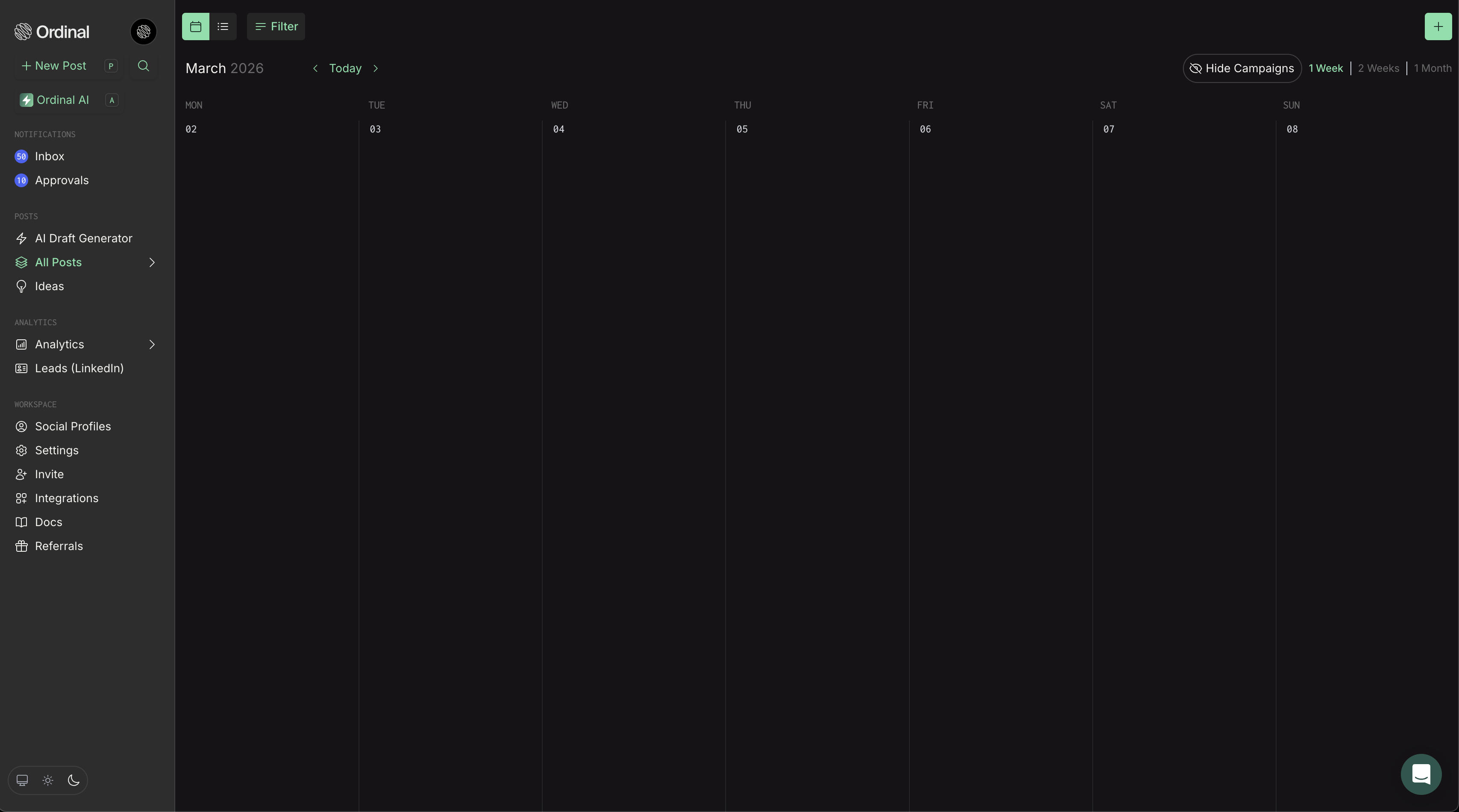
Your preference saves automatically and applies instantly across the app.
Email and password
Your email address is used for signing in and receiving notifications. Currently, email changes require contacting support at support@tryordinal.com.
If you prefer to setup a password-based login, or need to reset your password contact support at support@tryordinal.com and we can help you out.