> ## Documentation Index
> Fetch the complete documentation index at: https://docs.tryordinal.com/llms.txt
> Use this file to discover all available pages before exploring further.
# Dub
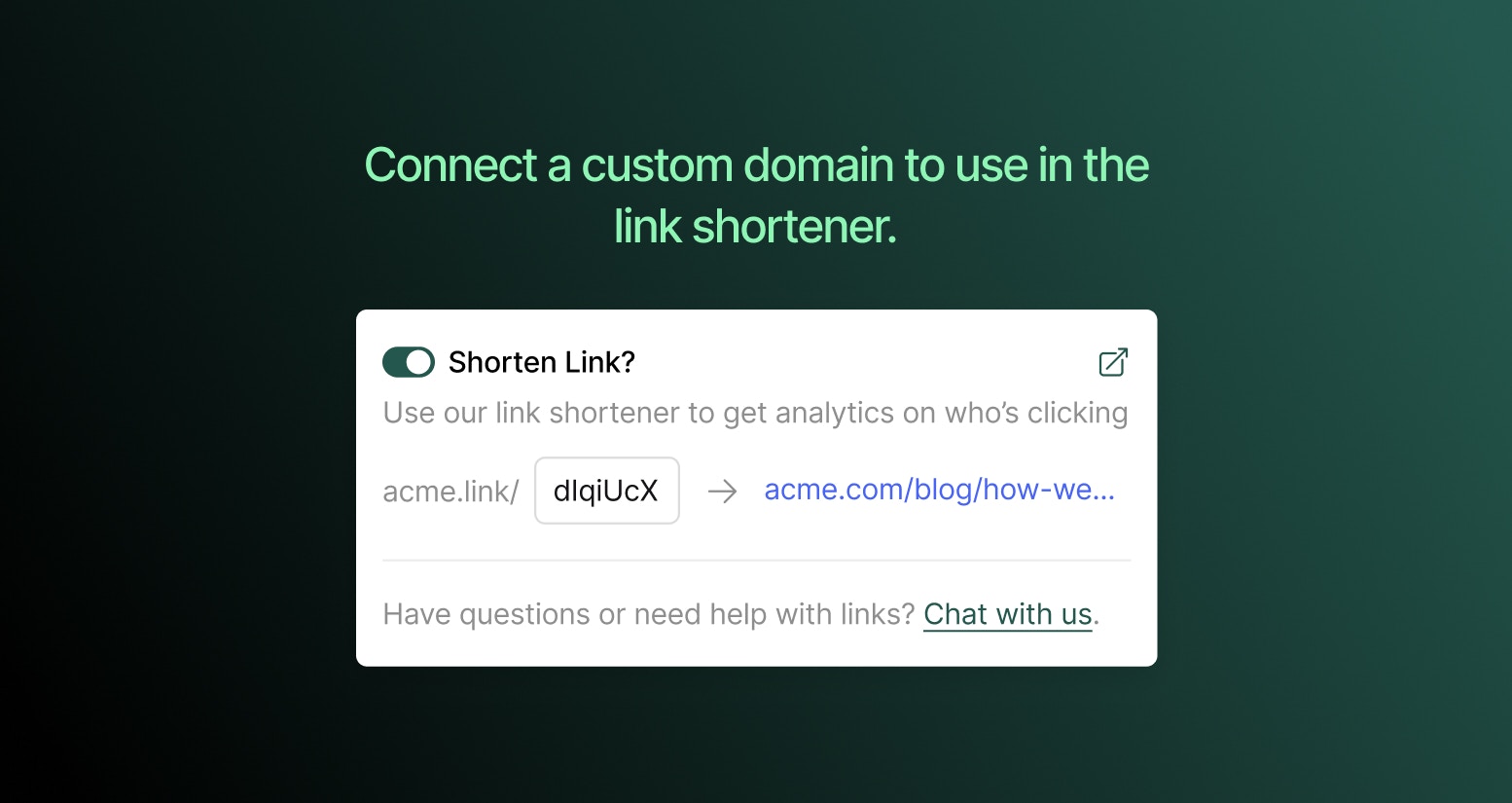
> Use a custom branded domain instead of ordnl.link for shortlinks created in Ordinal. Requires Pro plan or above.
[Dub](https://dub.co/) is a link management platform that lets you use custom branded domains for your shortlinks. Instead of `ordnl.link/abc123`, your links can use your own domain like `yourcompany.link/abc123`.
 Dub integration is available on Pro plans and above. Shortlinks work out of the box with `ordnl.link` on all plans - you only need Dub if you want a custom domain.
## Connecting Dub
1. Go to [Integrations → Dub](https://app.tryordinal.com/settings/integrations/dub)
2. Click **Connect**
3. You'll be redirected to Dub to authorize the connection
4. Select your Dub workspace and approve access
5. You're redirected back to Ordinal with the integration active
Ordinal automatically syncs your domains from Dub and uses your primary domain for new shortlinks.
## After connecting
Once connected, any shortlinks you create in Ordinal will use your Dub domain instead of `ordnl.link`. Click analytics for these links are available in both Ordinal's analytics and your Dub dashboard.
Learn how to create and track shortlinks in your posts.
## Changing domains
Ordinal uses whichever domain is set as "primary" in your Dub account. To switch domains:
1. Update your primary domain in [Dub](https://app.dub.co)
2. In Ordinal, disconnect and reconnect the integration to sync the change
Existing shortlinks will continue using their original domain.
## Disconnecting
To disconnect Dub, go to [Integrations → Dub](https://app.tryordinal.com/settings/integrations/dub) and click **Disconnect**.
* **Existing shortlinks** continue to work - they're still hosted by Dub
* **New shortlinks** will use `ordnl.link` instead of your custom domain
* **Analytics** for your Dub links remain accessible in your Dub dashboard
Dub integration is available on Pro plans and above. Shortlinks work out of the box with `ordnl.link` on all plans - you only need Dub if you want a custom domain.
## Connecting Dub
1. Go to [Integrations → Dub](https://app.tryordinal.com/settings/integrations/dub)
2. Click **Connect**
3. You'll be redirected to Dub to authorize the connection
4. Select your Dub workspace and approve access
5. You're redirected back to Ordinal with the integration active
Ordinal automatically syncs your domains from Dub and uses your primary domain for new shortlinks.
## After connecting
Once connected, any shortlinks you create in Ordinal will use your Dub domain instead of `ordnl.link`. Click analytics for these links are available in both Ordinal's analytics and your Dub dashboard.
Learn how to create and track shortlinks in your posts.
## Changing domains
Ordinal uses whichever domain is set as "primary" in your Dub account. To switch domains:
1. Update your primary domain in [Dub](https://app.dub.co)
2. In Ordinal, disconnect and reconnect the integration to sync the change
Existing shortlinks will continue using their original domain.
## Disconnecting
To disconnect Dub, go to [Integrations → Dub](https://app.tryordinal.com/settings/integrations/dub) and click **Disconnect**.
* **Existing shortlinks** continue to work - they're still hosted by Dub
* **New shortlinks** will use `ordnl.link` instead of your custom domain
* **Analytics** for your Dub links remain accessible in your Dub dashboard